
Function Calling
Introduction
Function calling aims to provide large language models with the ability to invoke external tools, enabling various Agentic functionalities.
For example, when you ask the LLM: "Help me search for information about cats", the model will call external search tools, such as search engines, and return the search results.
Here is the revised text, updated to reflect your new content while maintaining a formal documentation tone:
Currently, supported models include but are not limited to:
- GPT-5.x series
- Gemini 3.x series
- Claude 4.x series
- DeepSeek v3.2 (deepseek-chat)
- Qwen 3.x series
Mainstream models released after 2025 typically support function calling.
Commonly unsupported models include older models such as DeepSeek-R1 and Gemini 2.0 thinking-type models.
In AstrBot, web search, todo reminders, and code interpreter tools are provided by default. Many plugins, such as:
- astrbot_plugin_cloudmusic
- astrbot_plugin_bilibili
- ...
In addition to providing traditional command invocation, also offer function calling capabilities.
Related commands:
/tool ls- View the list of available tools/tool on- Enable a specific tool/tool off- Disable a specific tool/tool off_all- Disable all tools
Some models may not support function calling and will return errors such as tool call is not supported, function calling is not supported, tool use is not supported, etc. In most cases, AstrBot can detect these errors and automatically remove function calling tools for you. If you find that a model doesn't support function calling, you can also use the /tool off_all command to disable all tools and try again, or switch to a model that supports function calling.
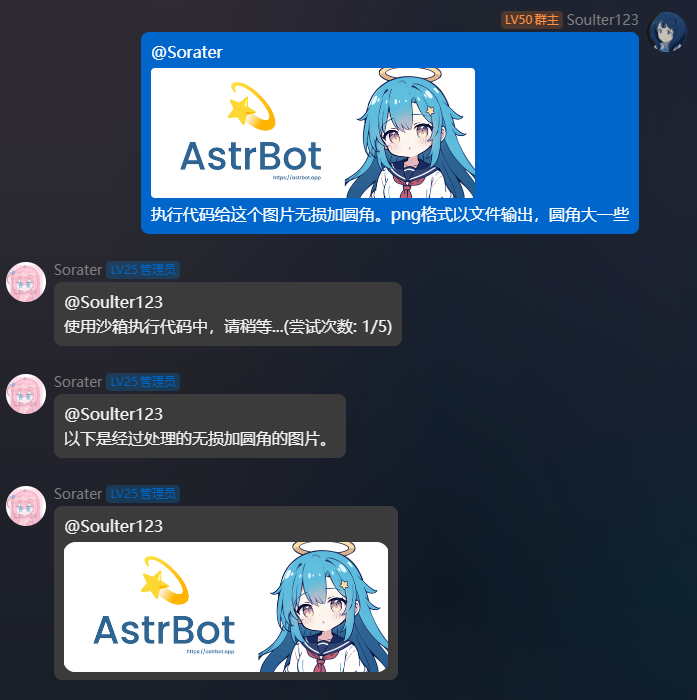
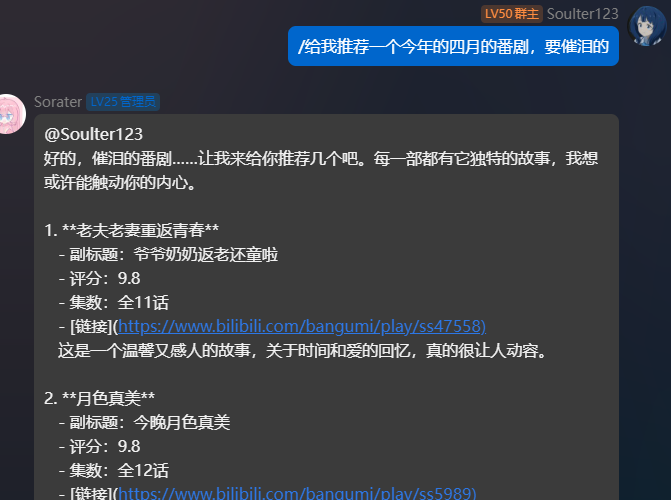
Below are some common tool calling demos:
MCP
Please refer to this documentation: AstrBot - MCP.